Kindle or iPad: Which Is Better for Reading, Studying, and Everyday Use in 2026?
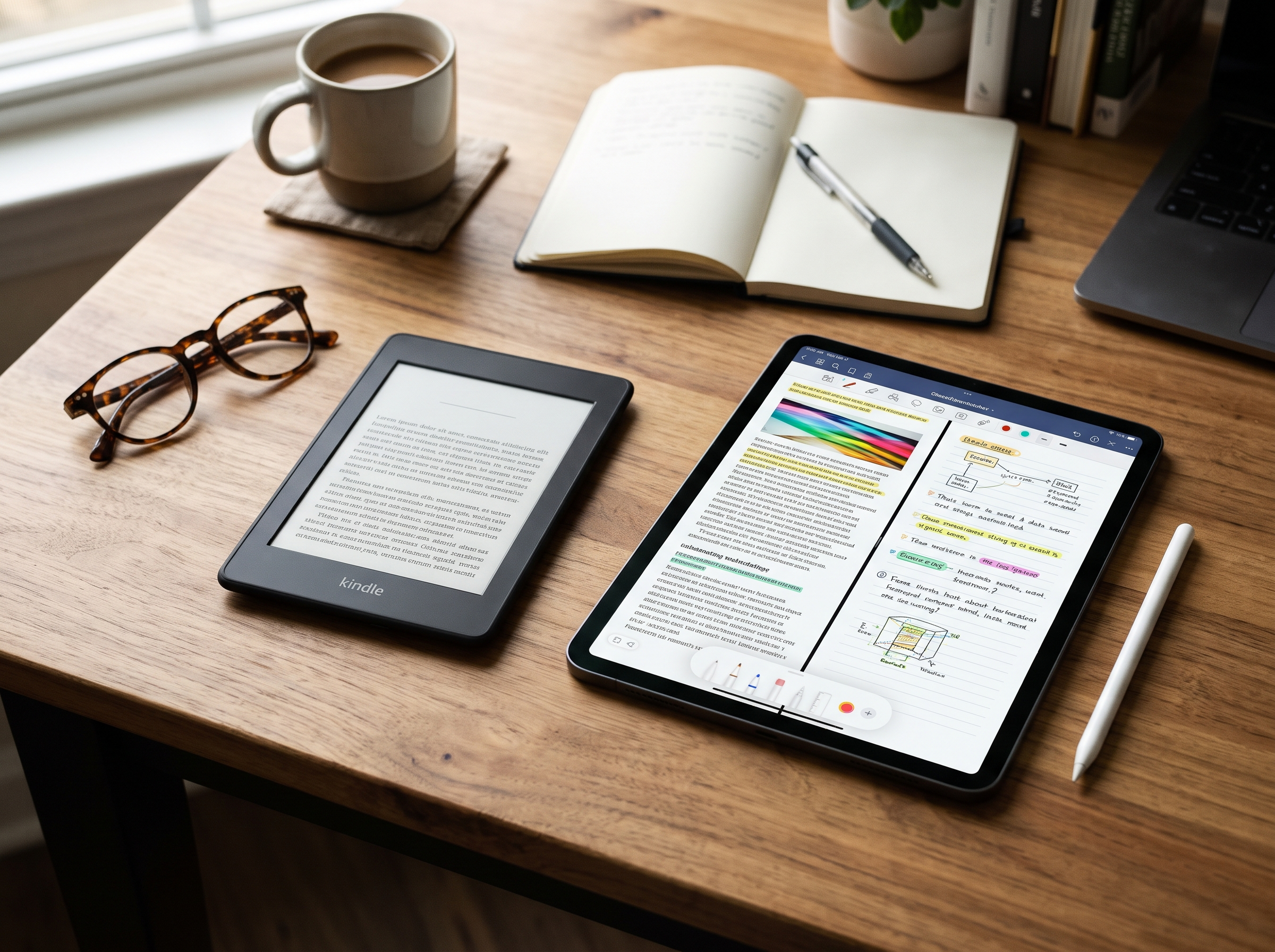
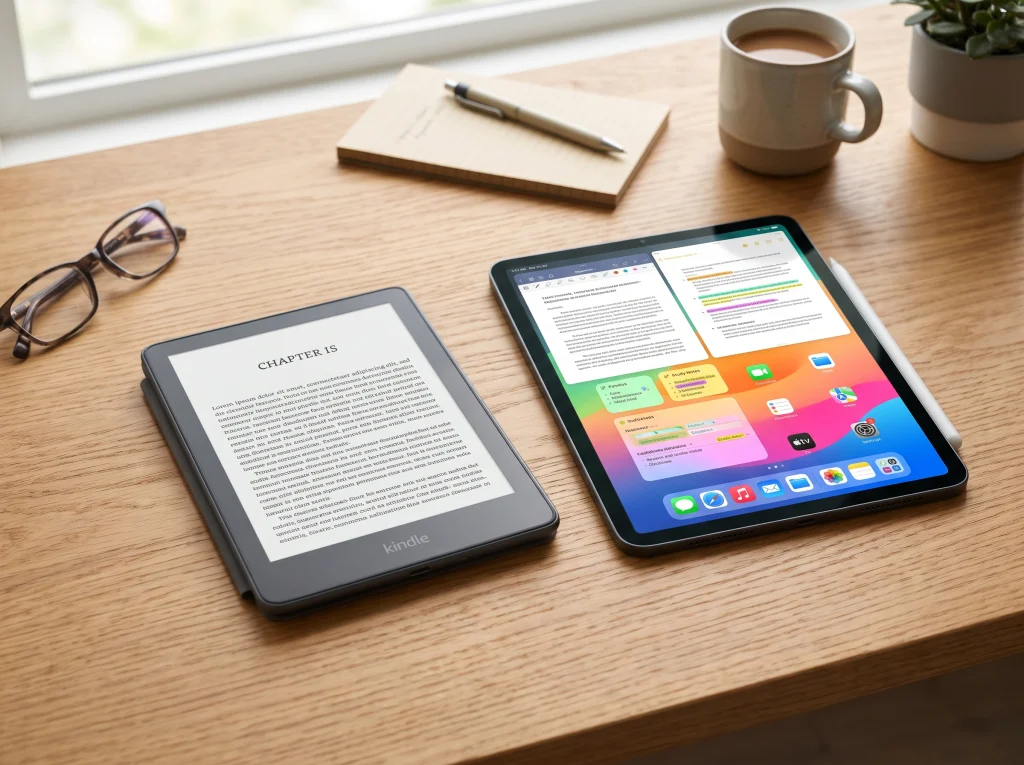
Choosing between a Kindle or iPad depends on what you want from your device. Both can display ebooks, PDFs, and digital documents, but they are designed for different purposes. A Kindle is primarily an e-reader built for comfortable, distraction-free reading, while an iPad is a versatile tablet that supports reading, studying, entertainment, communication, and productivity.
If you spend hours reading novels, textbooks, or other digital books, a Kindle may be the better choice. However, if you need one device for reading, taking notes, browsing websites, watching videos, and using everyday applications, an iPad offers considerably more flexibility.
The best option depends on your reading habits, budget, preferred screen size, and the tasks you perform regularly. Understanding the differences will help you make a practical purchasing decision.
Kindle vs. iPad: Quick Comparison
The biggest difference between Kindle and iPad is their screen technology and intended purpose. Kindle uses an E Ink display on its dedicated e-readers, while iPad uses a full-color LCD or OLED display, depending on the model.
Here is a quick comparison of their main features.
| Feature | Kindle | iPad |
|---|---|---|
| Primary purpose | Reading ebooks | Reading and general computing |
| Display | E Ink on dedicated e-readers | LCD or OLED, depending on model |
| Reading comfort | Paper-like appearance | Bright, colorful display |
| Battery life | Generally weeks | Generally hours of active use |
| Eye comfort | Well suited to extended reading | More screen-related visual stimulation |
| Note-taking | Available on selected models | Supports Apple Pencil on compatible models |
| Web browsing | Limited | Full web browsing |
| Video streaming | Limited or unavailable on basic e-readers | Excellent |
| Apps | Limited | Extensive app selection |
| Portability | Lightweight and compact | Depends on model |
| Best for | Dedicated readers | Students and multitaskers |
Quick answer: Choose Kindle for reading books, and choose iPad if you need a multipurpose tablet that does much more than display ebooks.
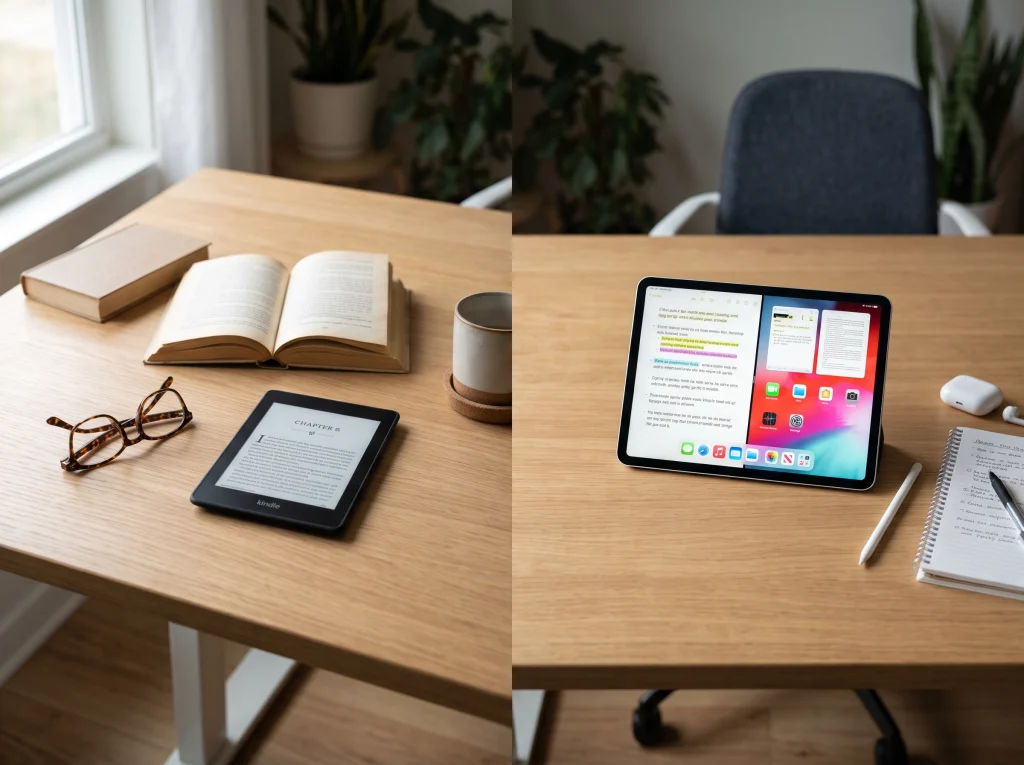
Kindle vs. iPad for Reading: Which Offers More Comfort?
Reading comfort is one of the most important factors when choosing between Kindle and iPad. Both devices allow you to read digital books, but their display technologies create different reading experiences.
Kindle: Designed for Long Reading Sessions
Kindle e-readers use E Ink technology, which creates a paper-like appearance. Unlike conventional tablet displays, E Ink does not continuously illuminate the screen in the same way as an LCD or OLED display.
Many Kindle models also include adjustable front lighting, allowing you to read in darker environments. The Kindle Paperwhite, for example, includes an adjustable warm front light.
Another advantage is the lack of constant notifications and competing applications. You can concentrate on your book without being tempted to check social media, messages, or other entertainment apps.
For people who regularly read novels, nonfiction books, or long-form content, Kindle provides a focused reading environment.
iPad: A Versatile but Brighter Reading Screen
An iPad uses a color display that makes text, photographs, charts, and illustrations look vibrant. This is useful when reading educational material, magazines, interactive textbooks, and illustrated publications.
You can adjust screen brightness, use dark mode, and change text size through supported apps. These settings can make nighttime reading more comfortable, although they do not turn an iPad into an E Ink device.
Extended tablet use can contribute to digital eye strain, particularly when combined with prolonged close-up viewing, glare, and infrequent breaks. However, individual comfort varies, and an iPad is not automatically harmful to your eyes.
Reading comfort verdict: Kindle is generally the better choice for people who read for several hours at a time. An iPad is more suitable when reading involves color, graphics, and interactive content.
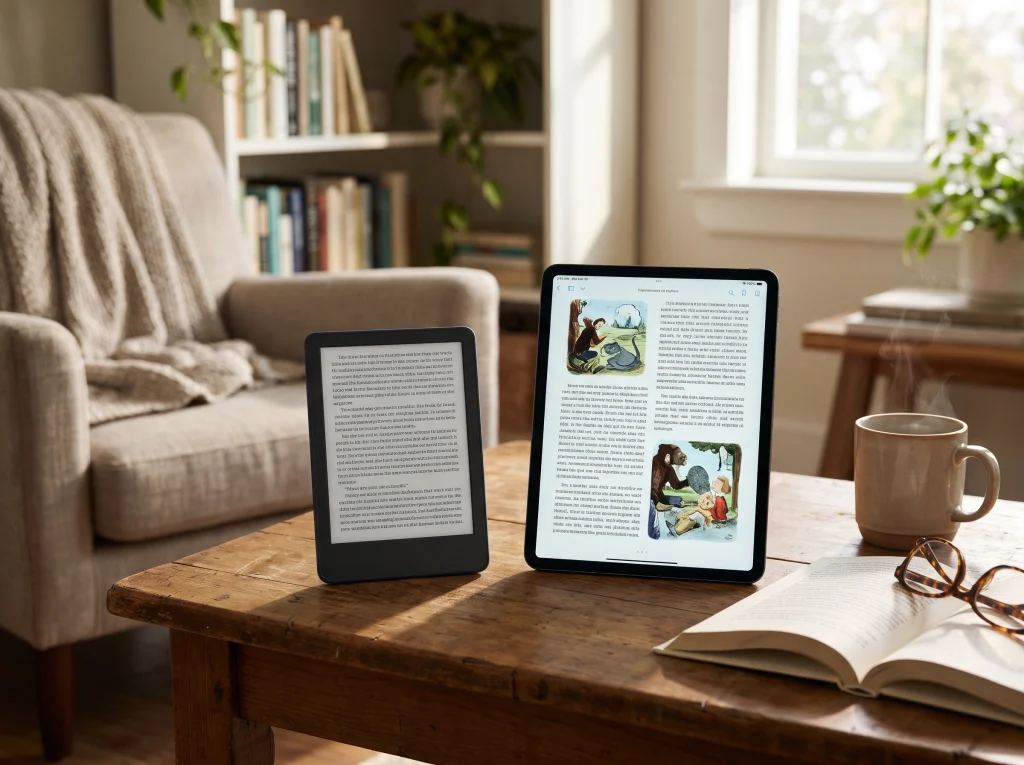
Display Quality and Screen Technology
The screen is one of the biggest differences between Kindle and iPad.
A Kindle’s E Ink display is designed to resemble printed paper. It reflects ambient light, making it particularly useful outdoors and in bright environments. Text remains readable without the vivid illumination associated with conventional tablet displays.
The 2026 Kindle Paperwhite features a 7-inch, 300-pixel-per-inch (PPI) glare-free E Ink display. The standard 2026 Kindle features a 6-inch, 300-PPI display. These specifications provide sharp text for everyday ebook reading.
An iPad offers a more colorful and responsive display. Depending on the model, you can get an LCD or OLED screen with support for detailed images, video, animations, and other visual content.
This makes the iPad particularly useful for:
- Digital textbooks with illustrations.
- PDF documents containing charts and diagrams.
- Graphic novels and comic books.
- Online learning platforms.
- Magazines and educational applications.
- Documents requiring frequent zooming and scrolling.
If your reading material is mostly plain text, Kindle’s display has a clear advantage. If you regularly work with colorful documents and visual content, the iPad is more practical.
Battery Life and Portability
Battery performance is another important consideration when comparing Kindle or iPad.
Kindle e-readers are designed to use very little power. Their E Ink screens consume energy primarily when the page changes, while built-in lighting, wireless connectivity, and other features also affect battery consumption.
According to Amazon’s 2026 device specifications, the standard Kindle offers up to six weeks of battery life, while the Kindle Paperwhite offers up to 12 weeks under Amazon’s stated usage conditions.
An iPad requires more frequent charging because it powers a full-color touchscreen, operating system, processor, wireless connections, and applications.
Apple rates its current iPad models for up to 10 hours of web browsing over Wi-Fi or video playback under specified testing conditions. Actual battery life varies with brightness, applications, network use, and other factors.
| Battery consideration | Kindle | iPad |
|---|---|---|
| Typical battery expectation | Several weeks | Around a day of moderate use, depending on workload |
| Charging frequency | Infrequent | More frequent |
| Reading during travel | Excellent | Good |
| Long flights without charging | Particularly convenient | Requires more battery planning |
| Power consumption | Very low | Higher |
Portability also depends on the model. A standard Kindle is compact and lightweight, making it easy to hold with one hand. An iPad provides a larger display but generally takes up more space and weighs more.
Battery and portability verdict: Kindle is the better option for extended reading sessions, frequent travel, and people who do not want to charge their device regularly.

Note-Taking, Studying, and Productivity
If you are a student, professional, or regular note-taker, the comparison becomes more interesting.
Kindle supports basic reading-related activities such as highlighting text, adding notes, and organizing reading material. Selected devices, including Kindle Scribe, offer handwriting features with a compatible stylus.
Amazon’s Send to Kindle service also supports several personal document formats, including PDF, DOCX, EPUB, and TXT. This allows users to transfer supported study materials and documents to their Kindle library.
However, a Kindle is not designed to replace a traditional tablet for productivity.
An iPad offers a much broader selection of educational and productivity applications. With a compatible Apple Pencil, you can write handwritten notes, annotate PDFs, create diagrams, and organize study materials.
You can also use applications for:
- Microsoft Word and Excel.
- Apple Notes and Pages.
- Digital planners.
- Online classes and video lessons.
- Research and document management.
- Task management and calendars.
For students who regularly switch between reading, writing, researching, and attending online classes, an iPad is usually the more useful investment.
Productivity verdict: Choose Kindle for reading and basic annotations. Choose iPad for comprehensive studying, handwriting, multitasking, and professional work.
Apps, Entertainment, and Web Browsing
The iPad has a significant advantage when it comes to applications and entertainment.
It supports a wide range of applications through Apple’s App Store. You can install ebook readers, streaming services, browsers, communication tools, educational platforms, and productivity software.
An iPad can serve as:
- An ebook reader.
- A video streaming device.
- A digital notebook.
- A web browsing device.
- An online learning tool.
- A portable work device.
- A gaming tablet.
Kindle e-readers have a much narrower purpose. They are designed primarily for reading books and supported documents rather than running a large selection of third-party applications.
However, you do not need a physical Kindle to access Kindle books. Amazon offers Kindle applications for iPad, iPhone, Android, Mac, and Windows.
This means you can purchase compatible Kindle content and read it through the Kindle app on an iPad.
The difference is that the iPad uses its regular tablet display rather than the paper-like E Ink screen found on a dedicated Kindle.
Apps and entertainment verdict: iPad is the clear winner for browsing, streaming, gaming, and multitasking. Kindle is better for people who want a dedicated reading device without unnecessary distractions.
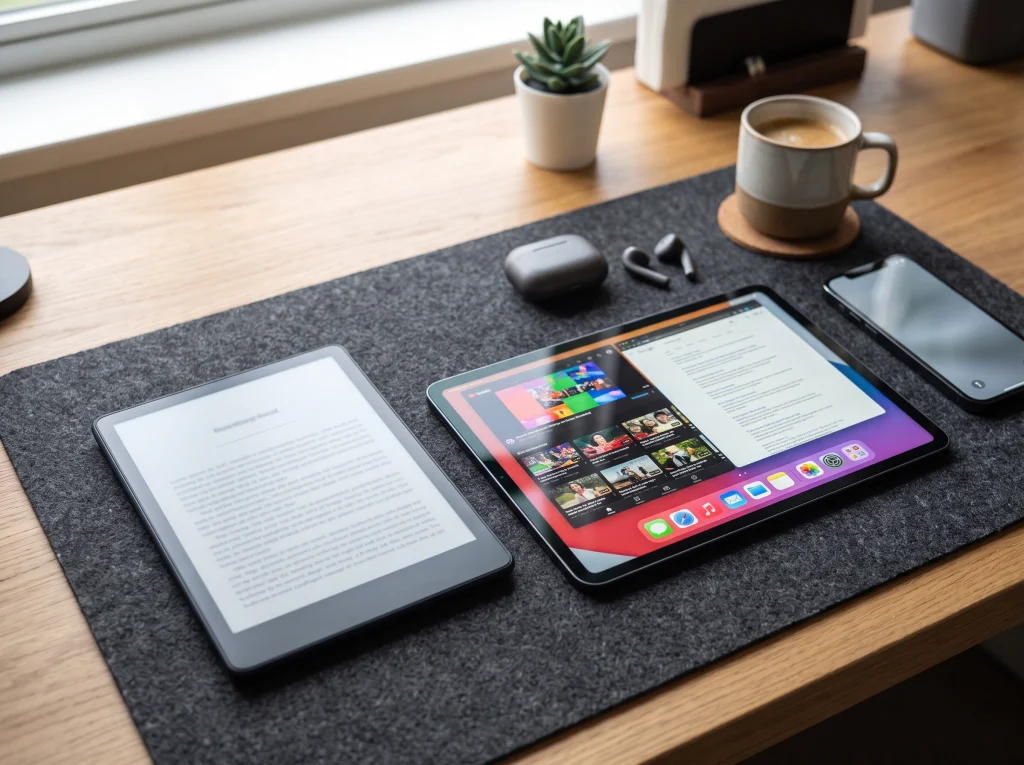
Kindle vs. iPad: Pricing and Value
Price is an important factor when deciding whether to purchase a Kindle or iPad.
Generally, a basic Kindle costs considerably less than a new iPad. This makes Kindle attractive for people who primarily want an affordable ebook reader.
Apple’s U.S. iPad lineup offers several choices, including the standard iPad, iPad mini, iPad Air, and iPad Pro. Their prices vary depending on screen size, storage, connectivity, and hardware specifications.
As listed on Apple’s U.S. store in November 2026, the standard iPad starts at $449, while the iPad Air starts at $749. Higher-end models cost more.
Amazon’s Kindle lineup includes standard Kindle, Paperwhite, Colorsoft, and Scribe devices, with prices varying by model and configuration.
| Buying consideration | Kindle | iPad |
|---|---|---|
| Initial purchase | Generally lower | Generally higher |
| Main purpose | Ebook reading | Multiple digital activities |
| Accessories | Usually minimal | Apple Pencil and keyboard may add cost |
| Storage needs | Primarily books and documents | Apps, documents, photos, and media |
| Long-term value | Excellent for dedicated readers | Excellent for multitasking users |
Remember that the cheapest device is not necessarily the best investment. If you only read books, paying extra for an iPad may not provide much additional value.
On the other hand, if you plan to use your device for studying, work, entertainment, and communication, the higher price of an iPad may be justified.
Which Device Is Better for Different Users?
The right choice depends on how you intend to use your device. Here are some common situations to help you decide.
1. Students
An iPad is generally better for students who need to attend online classes, take handwritten notes, read textbooks, create assignments, and use educational applications.
A Kindle is useful for students who mainly read novels or text-based study materials and want to reduce distractions.
If your coursework includes detailed diagrams, colorful presentations, or interactive PDFs, an iPad is more practical.
2. Book Lovers and Regular Readers
Kindle is the better option for people who read several books each month.
Its E Ink display, lightweight design, long battery life, and reading-focused interface make it particularly convenient for daily reading.
You can carry hundreds or thousands of ebooks without bringing physical books everywhere.
3. Professionals and Remote Workers
An iPad is more suitable for professionals who need to manage documents, attend virtual meetings, communicate with clients, review presentations, and use productivity applications.
A Kindle can complement a professional workflow by providing a separate device for reading business books and research materials.
4. Travelers
Kindle is an excellent travel companion because of its compact design and long battery life.
It allows you to carry a substantial reading library without worrying about charging every day.
However, an iPad may be more useful if you need entertainment, navigation, email, document access, and video streaming during your trip.
5. Children and Casual Readers
Both devices can be useful for children, depending on their needs and parental preferences.
A Kindle provides a focused reading environment, while an iPad offers access to educational games, learning applications, videos, and interactive content.
Parents should consider screen time, age-appropriate content, and available parental controls before purchasing either device.
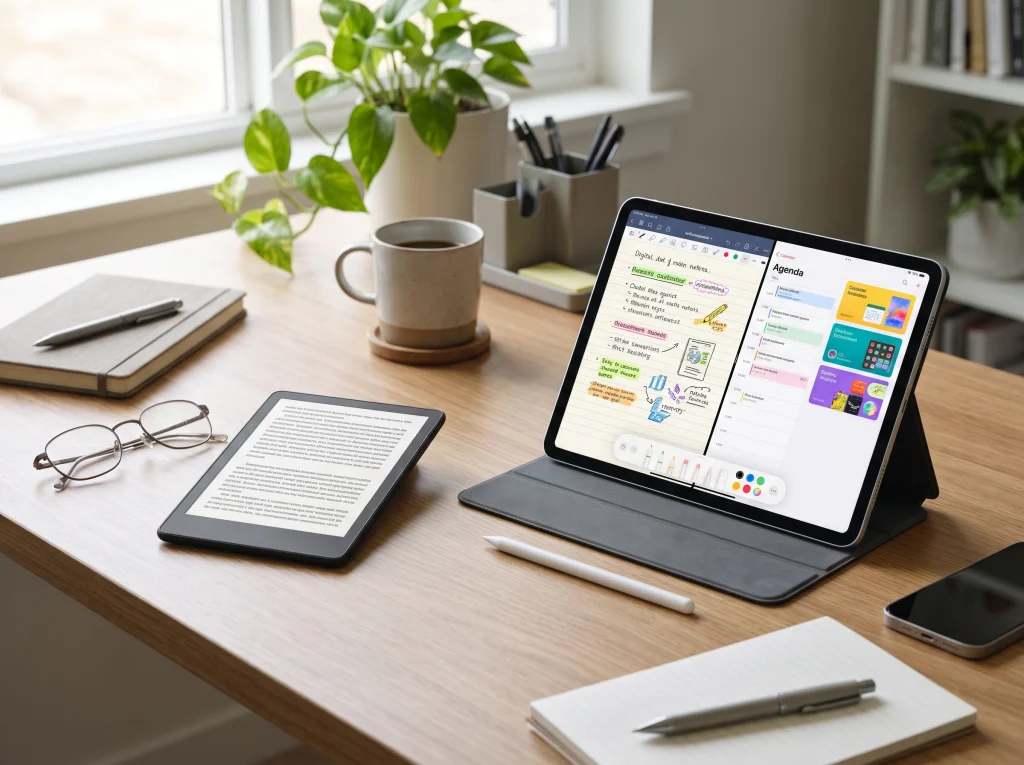
Can You Use Both Kindle and iPad?
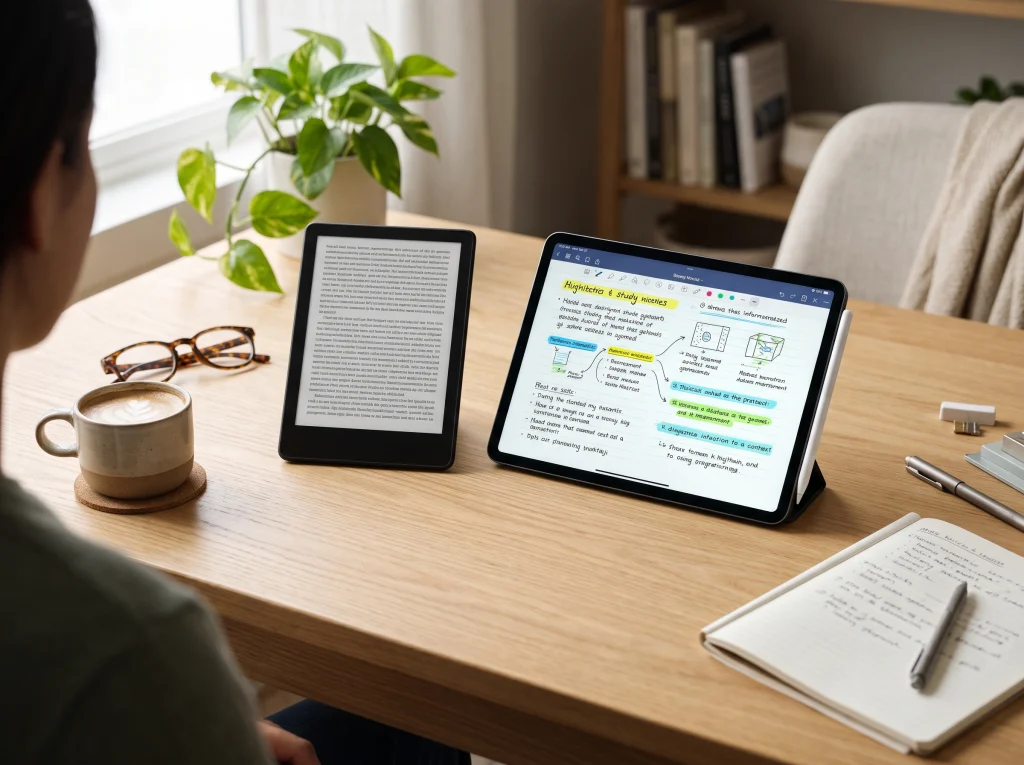
Yes. In fact, owning both devices can be a practical solution for people who read frequently and also need a tablet for everyday activities.
Each device serves a different purpose.
You can use a Kindle for reading novels, nonfiction books, and other text-heavy publications. Its E Ink display and long battery life make it convenient for extended reading sessions.
You can use an iPad for studying, research, taking notes, watching educational videos, browsing websites, and managing documents.
Another advantage is that you can install the Kindle app on your iPad. This gives you access to compatible Kindle books without purchasing a separate ebook for each device. Your reading progress can also synchronize across supported devices when synchronization is enabled.
For someone who reads regularly but also needs a tablet for work or education, combining both devices offers flexibility.
However, buying two devices is not necessary for everyone. If your budget only allows one purchase, choose the device that matches your most frequent activity.
Final Verdict: Should You Buy a Kindle or iPad?
The decision between Kindle or iPad comes down to one simple question: Do you primarily want to read books, or do you need a device that performs multiple tasks?
Choose Kindle if you:
- Read books for extended periods.
- Prefer a paper-like reading experience.
- Want a lightweight device.
- Need longer battery life.
- Prefer fewer distractions.
- Want a dedicated ebook reader.
Choose iPad if you:
- Study regularly or attend online classes.
- Need handwritten notes and document editing.
- Watch movies and educational videos.
- Browse the internet frequently.
- Use productivity applications.
- Want one device for multiple activities.
Our recommendation: For dedicated book reading, Kindle is the better choice. For studying, professional work, entertainment, and general everyday use, iPad offers more value.
If you already own a laptop or desktop computer and simply want a comfortable device for reading, Kindle is worth considering. If you want a portable device that can handle several everyday tasks, an iPad is likely the more practical purchase.
The best device is not necessarily the one with the most features. It is the one that fits your actual needs and makes your daily activities easier.